
Feeling like your YouTube Shorts have suddenly stopped getting views? You’re not alone! Many creators notice that their short videos behave differently from other content. So why do some YouTube Shorts go viral while others barely see the light of day? Let’s understand how the YouTube Shorts algorithm works!
Forget traditional metrics like impressions and CTR; in the world of Shorts, views are king. The Shorts algorithm is more straightforward than the traditional content testing path through impressions. If your Shorts look like the graph below, and you’re sure YouTube is limiting your reach, we have good news! There’s a reason.
First, the Shorts algorithm works in two phases: exploration and exploitation. Initially, your Short is shown to a small, targeted “seed audience.” If this group interacts well with your content, your Short is promoted to a wider audience. This initial audience is critical, because if they are not engaged, your views can stall.
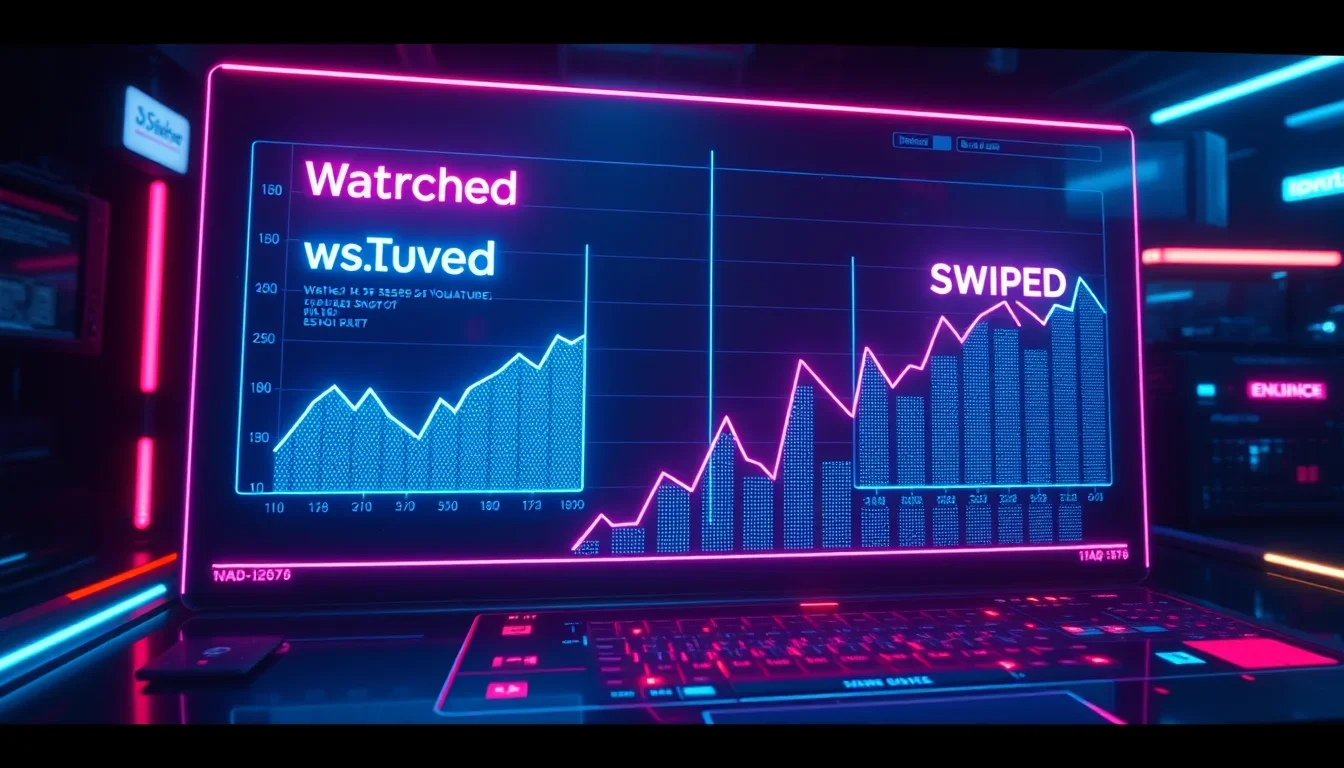
In an interview with Creator Insider, Todd Sherman, YouTube Shorts Product Lead, explains why this is the case. Unlike long videos, Shorts views primarily come from the feed itself, and the element of conscious choice from the viewer is absent. Therefore, the algorithm tests Shorts on hundreds of thousands of views to determine its value. We can see the effect of this in the “Viewed vs. Swiped Away” metric in analytics.
Understanding YouTube Shorts Analytics and Engagement
The YouTube Shorts algorithm closely monitors each viewer’s habits. These habits can be accurately assessed in the “Analytics” tab. A recent YouTube update changed how Shorts views are counted, and here’s what you need to know about it.
As of March 31, 2025, any YouTube Short that starts playing or replays will be counted as a view, with no minimum watch time requirement. This is a change from the previous model, where a viewer needed to watch for a few seconds before a view was counted. Additionally, each playback cycle of a Short now adds another view, meaning passive re-watches inflate the view count.
YouTube Shorts now distinguishes between two types of metrics: only engaged views count towards critical metrics such as eligibility for the YouTube Partner Program (YPP) and revenue payouts. With this update, our approach to understanding YouTube Shorts analytics should focus on specific areas.
“Viewed vs. Swiped Away” Metrics
Swipes analytics is a new feature that can help you understand how viewers interact with your Shorts: do they stay or swipe away before the video ends? Here’s how to check it:
- Go to YouTube Studio.
- Click Analytics, then go to the Content tab.
- Select Shorts from the menu below.
- On the right, you’ll see how many viewers chose to watch your Shorts and how many swiped away.
Watch Time and Audience Retention
In advanced analytics mode, you can check the watch time you get from YouTube Shorts. With the recent update, creators will see a noticeable jump in views — up to 30% more — but this doesn’t automatically mean improved performance.
Other key metrics, such as likes, comments, watch time, and subscribers, remain unchanged unless these views are engaged. This change can create a false sense of growth, giving the illusion of greater success while actual engagement remains the same.
How to Master the Shorts Algorithm
What can be learned from studying 35 billion Shorts views on YouTube? After extensive research, Nate Black found the answer! Our YouTube experts gained brilliant insights in a recent interview with him. In fact, they learned enough to help you beat the YouTube Shorts algorithm.
“Shorts that are 13 or 60 seconds long tend to perform best,” — Nate Black.
Additionally, there are certain categories, such as original showcases and sensory experiences like ASMR videos, that consistently attract more views. He also noted that channels that have published at least 200 Shorts show consistent growth in views over time. So, before getting frustrated with Shorts views, be sure to upload a lot of them!
Also, the first three seconds of your Short are critically important for capturing viewer interest. Make them memorable!
Read also: How to Get 10 Million YouTube Shorts Views: A 90-Day Plan
Timing is Everything
Armed with this knowledge, we must consider certain factors when it comes to YouTube Shorts. Timing and consistency are key. Knowing when your audience is most active and aligning your publishing schedule accordingly can significantly impact your Shorts’ performance.
Fortunately, it’s easy to find out the best time to post Shorts. In YouTube Studio, click Analytics, then the Audience tab. Scroll down to the “When your viewers are on YouTube” tab, and you’ll see the best times to post on YouTube for your specific viewers!
The Magic of Thumbnails
Do you believe that thumbnails still matter! For Shorts, this is the most visible element of your video. When your Shorts appear in regular YouTube feeds, an attractive thumbnail can be your secret weapon for attracting more clicks.
Cutting YouTube Videos
Most long-form video creators cut YouTube videos to use them in Shorts. This is a great strategy to implement because you can produce a large volume of Shorts with minimal effort. Often, the most confusing part is choosing what to cut.
Fortunately, vidIQ’s AI Clip Maker and Editor can take care of all of this. With this tool, you can:
- With one click, turn any video into multiple short videos, perfect for TikTok, Reels, and Shorts!
Read more: Cutting YouTube Videos: From Long Video to Short Video
Experiment!
Consistency and experimentation go hand in hand. Don’t be afraid to try different types of content to see what resonates with your audience. This can help you build the right seed audience for your content!
Optimizing Metadata for Shorts Success
While viewer engagement is a primary success factor, metadata is still important for proper categorization. Your video’s title, description, hashtags, and even the words spoken in the Short provide clues about your content.
Include clear keywords in your title and description, add relevant hashtags (e.g., #shorts), and state your topic in the first few seconds. This practice helps the YouTube Shorts algorithm match your content with the right audience. Keyword research tools can help you find popular terms in your niche. For quick discovery of the right tags, try vidIQ’s YouTube Tag Generator – it finds trending, niche tags so the algorithm can properly categorize your Shorts from the start.
A Bright Future: Monetization and Long-Form Videos
Getting more views on YouTube is always a hot topic, which is why many of you want to understand the Shorts algorithm! But some of you might wonder: what do these views mean in the long term? Of course, big numbers look good, but how does that translate into more valuable, monetizable views?
Rest assured: the YouTube Shorts algorithm is not broken when it comes to driving more views to long-form videos. A new update on YouTube has addressed this issue, and it’s a great first step! The feature allows YouTube creators to include a persistent link in their Shorts, directing viewers to long-form content. This feature aims to bridge the gap between Shorts and traditional YouTube videos.
Frequently Asked Questions
Which Shorts perform best?
Research shows that Shorts that are 13 or 60 seconds long tend to perform best. A 60-second Short can work well if it keeps the viewer engaged. Shorts that include original showcases, sensory experiences like ASMR, educational clips, and trending topics perform well.
How do I know the best time to post Shorts?
Check your YouTube analytics under the Audience tab. Post when your viewers are most active to get maximum reach.
Do I need custom thumbnails for Shorts?
Yes, you should use custom thumbnails. When Shorts appear elsewhere on YouTube, engaging thumbnails can increase click-through rates.
What key metrics are important for Shorts?
Key metrics include the “Viewed vs. Swiped Away” ratio, watch time percentage, overall retention, and engagement through likes, comments, and shares.
Why did my Shorts stop getting views after an initial surge?
Your Shorts likely hit the ceiling of the “exploitation” phase. The algorithm first tests each Short on a small seed audience. If this group doesn’t show enough engagement (low retention, high swipe-away rate), the algorithm stops promoting it further. To fix this, focus on a stronger “hook” in the first 1-3 seconds and ensure your content meets your seed audience’s expectations for your channel.
Grow your channel with vidIQ’s free AI tools, used by over 20 million creators.