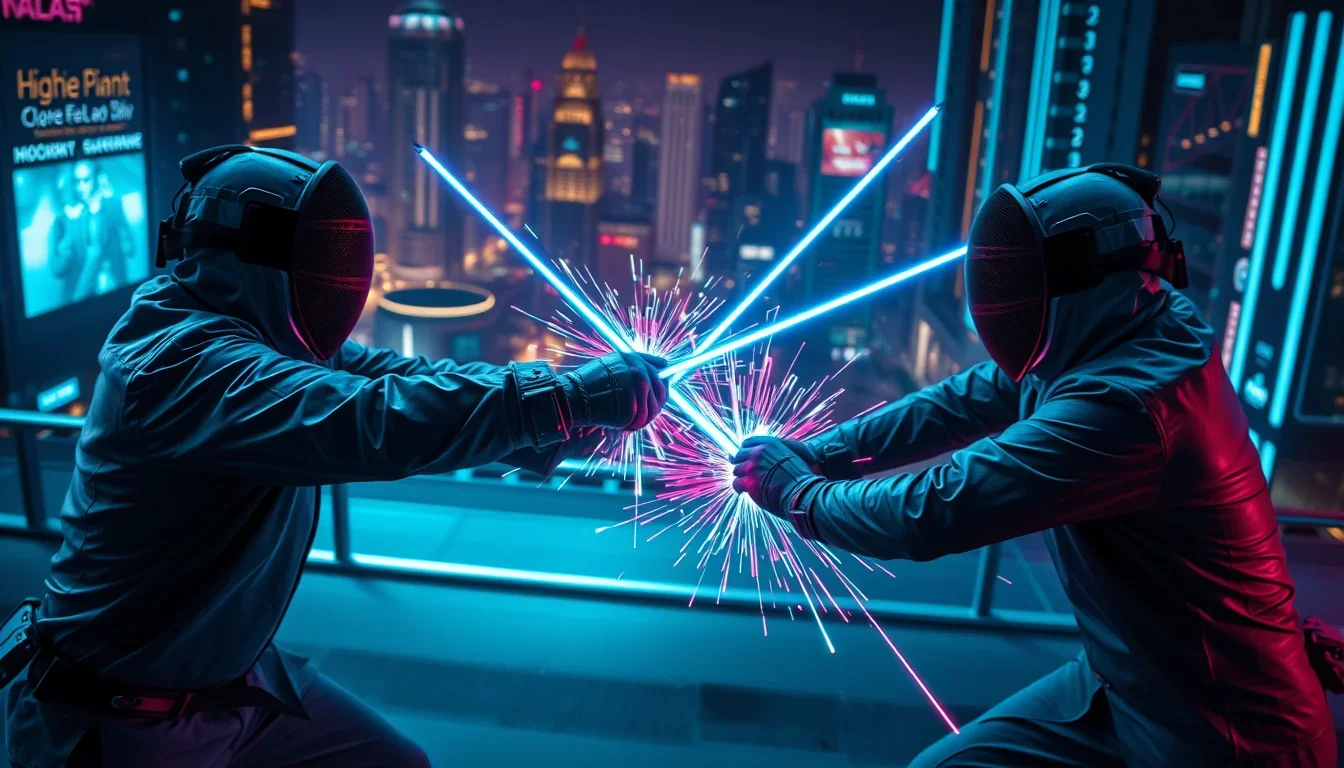
Creating highlights from long videos is not just a trend; it’s a powerful tool for attracting new audiences, especially in niche sports like fencing. From September 21 to 23, USA Fencing hosted a unique event in New York – the Creator Showdown, inviting top influencers to see if their content could do for fencing what has already been done for cycling, pickleball, and auto racing. This initiative demonstrates how stream highlights can transform the perception of a sport.
Why are stream highlights important for niche sports?
Influencers have enormous sway. The 12 participants in the Creator Showdown have a combined audience of over 215 million subscribers. Among them are YouTube and TikTok stars like Sofie Dossi, Merrick Hanna, itsPikaaa, and JoJo Sim. Their task is to make fencing trendy and accessible, using their platforms to disseminate content.
How video highlights help attract new fans?
- Audience Expansion: Bloggers introduce the sport to segments previously unfamiliar with it, opening it up to millions of potential fans.
- Content Creation: They know how to “package” complex moments into short, dynamic videos, perfectly suited for TikTok and other short-form platforms.
- Increased Awareness: Through their channels, the sport gains a new voice and image, drawing attention to its unique aspects.
“There were several factors — reaching different audiences, different sectors, but also people who genuinely see the value in these relationships leading up to [the 2028 Los Angeles Summer Olympics],” noted Phil Andrews, CEO of USA Fencing.
Highlight Conveyor: From Stream to Viral Video
USA Fencing actively employs a strategy that has already proven effective in football and basketball. The main goal is to direct people to TryFencing.org, where 800 clubs across the country offer the chance to try the sport. This allows for the conversion of online interest into real-world participation.
Fencing Features and How to Overcome Them with Content
Fencing is a high-speed, strategic sport requiring planning and precise movements. However, its complexity, rules of “right-of-way,” and masks that hide athletes’ faces have historically limited its viewership. The Creator Showdown addresses these issues by making the sport more understandable and appealing:
- Tip Tracker Technology: Sponsor Cloudflare provided technology that simplifies tracking blades in the air, making the sport more comprehensible to viewers.
- No Masks: Olympians are given the opportunity to remove their masks, increasing the recognition of their names and faces, which creates a more personal connection with the audience.
- Multi-format Content: Results are distributed across various USA Fencing social media platforms. This allows for TikTok highlights from Twitch and other sources, reaching a wide audience.
Highlights Without Loss of Quality: The Influence of Pop Culture
Images of fencers from movies like “Star Wars” or “Pirates of the Caribbean” often inspire newcomers. Phil Andrews confirms: “I know that ‘Star Wars,’ ‘Pirates of the Caribbean,’ and ‘The Parent Trap’ influenced both Maya and Mitchell to get into the sport.” This shows how pop culture can serve as a bridge to sports.
How long does mass stream highlighting take?
A professional approach to highlight editing allows for quickly turning raw footage into finished clips. With the right tools and team, you can cut a 2-hour stream in 30 minutes, getting dozens of ready-to-use videos for various platforms. This is an ideal solution for streamers who want to order 20 clips from a stream and not spend their time on routine work.
Frequently Asked Questions
Are subtitles needed for highlights?
Yes, subtitles for highlights significantly increase engagement, especially in noisy environments or when watching without sound. This is critically important for platforms like TikTok, where videos are often watched on the go, and users may not be able to turn on the sound.
How much does it cost to cut 1 hour of stream?
The price for 1 hour of stream for highlighting can vary depending on the complexity of the editing, the number of clips required, and the urgency. Many services offer package deals that allow you to get mass highlights of 100+ clips at a favorable price. Turn to professionals who know which moments to cut to get the most out of your content.
What is automatic stream highlighting?
There are services, similar to Opus Clip, that use AI to automatically identify the most interesting moments in a video and create short clips from them. This significantly simplifies the process of turning long videos into highlights, saving time and resources.
Conclusion: Monetizing Streams Through Highlights
The Creator Showdown is just the beginning. USA Fencing plans to host it again in 2027. This proves that investing in stream highlights and collaborating with bloggers is not just PR, but an effective strategy for monetizing streams through highlights and attracting new generations to the sport. If you are a streamer, consider how a person who cuts streams can help you increase your reach and audience. Don’t miss the opportunity to turn your content into a continuous stream of highlights and expand your influence!