Integrating an AI avatar into the existing voice AI administrator Aika is not just about adding a face; it involves a whole chain of technical challenges. We aimed to preserve the current architecture on Yandex Realtime so that the new service would only animate lips to already generated sound. During testing of Simli and Anam, nuances emerged with pauses before responding, video playback on iPhone, and mobile internet stability. And when creating the second character, Eva, it became clear that the persuasiveness of the neural network depends not only on the face itself but also on the context.
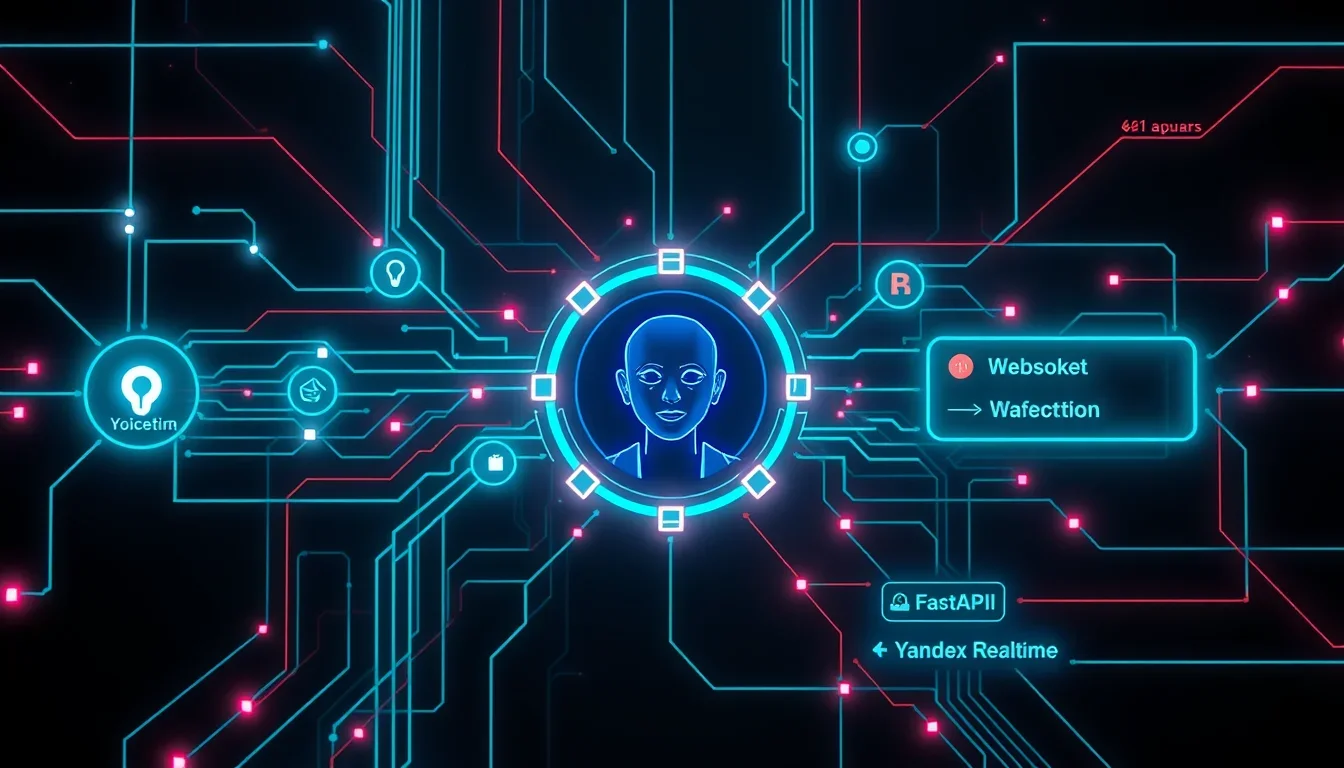
Our voice engine was already functional, so the task was solely to animate the face. Aika communicates with website visitors directly in the browser via WebSocket, which is connected to our FastAPI server, and that, in turn, maintains a session with Yandex Realtime. This ensures a “speech-to-speech” mode, eliminating the need for separate recognition chains, text models, and synthesis.
The server transmits uncompressed sound in PCM16 format at 24 kHz in chunks (pcm_chunk) to the browser, and it was precisely to this stream that the avatar’s facial expressions needed to be synchronized.
Choosing a platform for the AI Avatar: Simli vs Anam
Both tested services — Simli and Anam — offer a mode where the user provides their audio stream, and the service generates video with an animated face synchronized with the sound, returning media via WebRTC. Thus, Yandex continues to generate speech, and the avatar service is responsible for the visual component.
Technical aspects of sound integration
- Sampling rate: Yandex outputs sound at 24 kHz. Simli requires 16 kHz, Anam was also configured for 16 kHz, although it supports other formats.
- Processing audio chunks: Sound arrives in chunks. To avoid artifacts at the junctions, the fractional position and the last sample are carried over to the next chunk. This ensures smooth animation, although the quality of frequency recalculation without a full-fledged filter still requires improvement.
Security and session management
The service key does not reach the browser. The page requests a short-term session token from our server via POST /voice/avatar-session. The server checks the origin and limits token issuance: 6 per hour per IP and 30 per hour total.
If the token is not received or the video does not start, the page switches to normal voice mode. 8 seconds are allotted for the token request, and 15 for SDK launch. It is important that a successful SDK launch does not guarantee the immediate appearance of the first frame; the face here is an addition, not a critical function.
Managing Avatar State in Anam
Anam provides two key commands:
endSequence(): called after sending the last audio segment of a replica.interruptPersona(): stops the avatar’s current speech when interrupted, after whichendSequence()is also called.
Comparison of Simli (old generation) and Anam Cara-4
We compared the versions available to us: Simli of the previous generation and Anam Cara-4. This is not an exhaustive comparison of all features, but a selection for a specific task.
| Parameter | Simli (previous generation) | Anam Cara-4 |
|---|---|---|
| Mimicry | Lips move, other mimicry is limited | Blinks, smiles, teeth visible, tilts head |
| Face creation | From photo via previous generation API | From a single photo, trial video available |
Subjectively, Anam showed more lively and natural mimicry. For us, this was a decisive factor. Next, we encountered a number of specific problems.
Media Playback Features
- Sound: In Simli, sound was played through a separate audio element; in Anam, it was played through the same video element. This means that the Anam video element cannot be left
muted, otherwise the avatar will “speak” silently. - Resolution: Video often started at a low resolution (384×576) and only switched to high resolution (768×1152) after a few seconds. The
sessionOptions.videoQuality: "high"option helped, but did not guarantee a high-quality start. - Frame generation delay: Anam needs to receive 0.8 seconds of audio before starting frame generation. This is not always equal to 0.8 seconds of real-time waiting, as audio can arrive faster than it is played.
Microphone and Session Management
- Echo suppression: On the phone, while Aika is speaking, the microphone is muted to avoid picking up her voice from the speaker. On the PC, the microphone is active, and when the user starts speaking (
barge_inevent from Yandex Realtime), the avatar stops its current speech. - Busy session slot: On the free plan, one concurrent session is available. If the browser crashed, the slot could remain occupied. The
GET /v1/sessions/concurrencyrequest helps diagnose slot occupancy. - Connection cancellation: If the user clicks “stop” during video connection, it is necessary to correctly complete asynchronous operations so as not to leave an unnecessary session. For this, a generation counter
videoGenwas introduced.
Problems with Safari on iPhone
On iPhone in Safari, the video did not start. The hypothesis is related to autoplay rules. A preliminary call to play() on the video element with temporary stream feeding from canvas and unmuting helped in a test run, but is not a universal solution.
Optimizing the Response Pause
A long pause before an avatar’s response, where it silently stares at the user, feels much heavier than without it. Initially, the Voice Activity Detection (VAD) threshold was set to 2.2 seconds to prevent Aika from interrupting users dictating information with pauses.
We transferred the logic of the telephone bridge to the website: in a normal conversation, the threshold is 1500 ms, when dictating — 2200 ms. This allows dynamic adjustment of VAD sensitivity. Settings are applied via session.update without reconnection.
Creating a Second Character: Eva
For the studio administrator Eva, we faced the problem of a “stock blonde” against an empty background. The turning point came when an interior appeared behind her: warm lamps, shelves, plants, a blurred background. This made the image much more convincing, transforming a “catalog” into a “person at their workplace.”
Details of Background and Portrait Creation
- Background: We used a ready-made interior in our style, removing people with a generator.
- Character Cutout: Eva was cut out using macOS Vision (
VNGeneratePersonSegmentationRequestwith.accuratelevel). The mask edge was narrowed and softened to eliminate the halo. - Scale: It is important to maintain the scale of objects in the background to avoid comical situations (e.g., a giant mug behind her). The background was taken only above the countertop and blurred for a portrait lens effect.
- Resolution: For Cara-4, a square source of 1152×1152 or higher is recommended. Pure Real-ESRGAN ×4 upscaling made the skin too smooth. A combination of neural network upscaling with regular scaling, sharpening, and grain addition looked better.
Eva’s Voice Acting
For Eva, we chose a voice from Yandex’s LiveTTS family. In SpeechKit API v3, the model is selected via "model": "livetts", and the voice and role are passed via hints. For long texts, the text was broken down into sentences and synthesized separately.
Out of seven options for voicing one phrase, we chose the vera voice in the casual role. We had to rewrite the phrase because the synthesis consistently made a mistake with the stress.
Recording Videos with the Avatar
Eva’s video was recorded using the same animation engine as a live call, using MediaRecorder directly from video.srcObject (video and audio together, WebM with VP9 and Opus). For correct recording start, the stream was pre-“woken up” with a second of silence so that the video would not start with a black screen.
Frequently Asked Questions
What is an AI avatar and how does it work?
An AI avatar is a digital character capable of animating facial expressions and lip movements in accordance with provided audio. It uses neural networks to create a realistic visual image that synchronizes with speech, making interaction more natural and engaging.
Can I use my own voice for an AI avatar?
Yes, most platforms, such as Anam and Simli, allow you to use your own voice engine or pre-recorded audio. The avatar will animate its face to this audio stream, maintaining your brand or persona’s recognition.
What are the main challenges when integrating an AI avatar?
The main challenges include audio and video synchronization, processing audio chunks, optimizing latency, ensuring stable operation on various devices (especially mobile), and creating a convincing visual image that matches the context and brand.
How does the background affect the perception of an AI avatar?
The background plays a critical role in creating a convincing image. An empty or inappropriate background can make the avatar appear unnatural. An interior that matches the character’s or brand’s style significantly increases the avatar’s realism and trustworthiness, creating the feeling of a “person at work.”
How much does it cost to create an AI avatar?
The cost of creating an AI avatar can vary greatly depending on the chosen platform, the level of customization, the detail of facial expressions, and the need for unique functions. Some services offer subscription models, while others may charge per minute of generated video or for the development of a unique character.
Conclusion
Integrating an AI avatar is a powerful tool for increasing user engagement, but it requires deep technical development. From platform selection to fine-tuning backgrounds and pauses, every step affects the final result. We have seen that neural networks can breathe new life into voice interfaces, but only with careful attention to detail.
If you want to scale your content and create AI video for advertising, consider the possibilities of AI production by subscription. This allows you to generate hundreds of videos, whether it’s AI UGC for a crypto project or an AI video factory for e-commerce. We are ready to help you with this! Contact us to find out how AI content production can transform your business.